Which AI Image Generator Is the Best? 2024's Top 7 Ranked
Curious about the best AI tools for generating stunning images? And which AI image generator is the best in 2024? With the rise of AI-powered creativity, it’s now easier than ever to turn simple text prompts into breathtaking visuals. In this guide, we’ll explore the top AI image generators of 2024, breaking down their strengths, features, and pricing—so you can find the perfect tool to elevate your creative projects.

Paul Mann
Article published: 10/02/2024
Table of Contents
- The Best AI Image Generators
- Best AI Image Generators in Brief
- The best overall: Difcraft
- The Most User-Friendly AI Image Generator: DALL·E 3
- The AI Image Generator Delivering the Best Aesthetics: Midjourney
- The Top AI Image Generator for Text Accuracy: Ideogram
- The AI Image Generator for Customization and Control: Stable Diffusion
- The Best AI Image Generator for Integrating AI-Generated Images into Photos: Adobe Firefly
- Tutorials and Guides for AI Image Generators
- The Future of AI Image Generators
The Best AI Image Generators
- Difcraft – The best overall.
- DALL·E 3 – Ideal for user-friendly AI image creation.
- Midjourney – Top choice for high-quality results.
- Ideogram – Best for generating text within images.
- Stable Diffusion – Great for control and customization.
- Adobe Firefly – Seamless integration of AI visuals into photos.
- Getty’s Generative AI – Best for legally secure, commercially usable images.
Best AI Image Generators in Brief
| Name | Best for | Access options | Price |
|---|---|---|---|
| Difcraft | Best for Variety and Affordability | Web | Free |
| DALL·E 3 | Ease of use | ChatGPT Plus, API | $20/month (included in ChatGPT Plus) |
| Midjourney | High-quality results | Web, Discord | From $10/month |
| Ideogram | Accurate text | Web | From $8/month |
| Stable Diffusion | Control and customization | Various platforms | Varies by platform |
| Adobe Firefly | Integrating AI into photos | Web, Adobe apps | From $4.99/month |
| Getty Generative AI | Commercial safety | iStock | From $14.99 for 100 images |
The best overall: Difcraft
Difcraft pros:
- Free basic version available
- Unlimited images with the Pro version for only $4.99/month
- Access to the latest image models, with the ability to choose your preferred model
- Intuitive web interface
- Over 30 artistic styles to choose from
- Modern and easy to use
Difcraft cons:
- Less well-known compared to bigger platforms
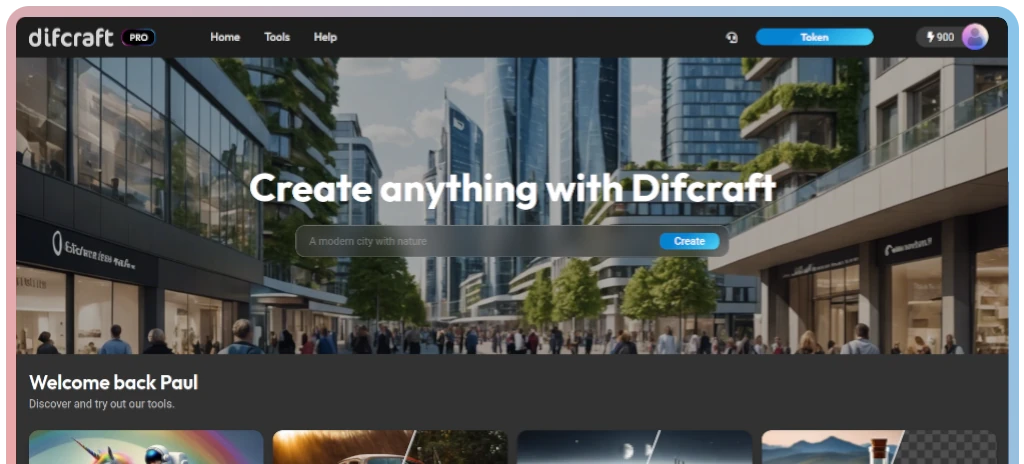
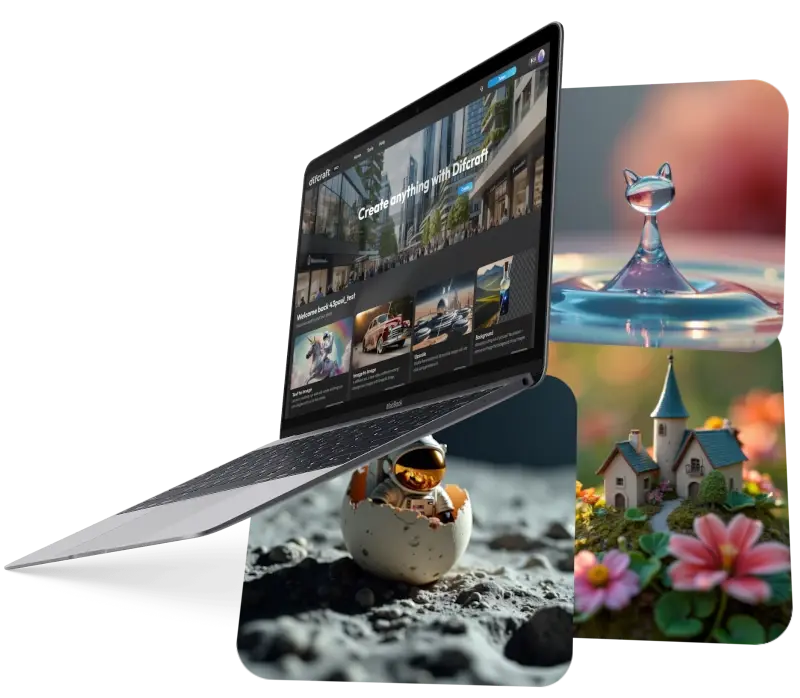
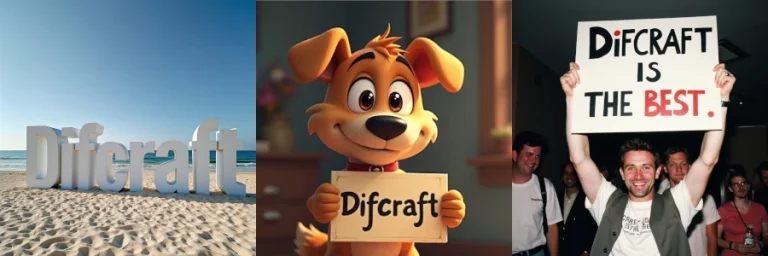
Difcraft is a hidden gem in the world of AI image generators, combining affordability with cutting-edge features. Offering unlimited images for just $4.99/month in its Pro version, Difcraft stands out for both its variety and value. You can choose from the latest AI models and experiment with over 30 distinct styles to create anything from photorealistic visuals to abstract art. Its intuitive web interface makes it accessible for beginners, while its variety of customization options will delight more advanced users.
If you’re looking for a highly modern, cost-effective tool with plenty of creative freedom, Difcraft is an excellent choice to explore.
Take a look at the impressive pictures taken on difcraft here
The Most User-Friendly AI Image Generator: DALL·E 3
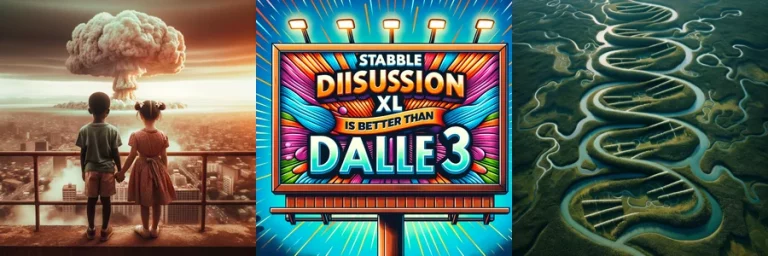
DALL·E 3 stands out as the premier choice for those seeking a straightforward AI image generator, especially within the realm of digital marketing tools.
Advantages of DALL·E 3:
- Unmatched Ease of Use
- Bundled with ChatGPT Plus, offering excellent value for your investment.
Disadvantages of DALL·E 3:
- Inconsistent Control Features in ChatGPT
- Monthly Fee of $20 can be steep if you don’t intend to utilize GPT.
DALL·E 3 is arguably the most renowned name in the AI image generation field—and rightfully so. Its predecessor, DALL·E 2, was groundbreaking, as it was the first AI image generator capable of creating intriguing visuals and was widely accessible, leading to its viral popularity.
Compared to DALL·E 2, DALL·E 3 presents substantial enhancements. It delivers more captivating, realistic, and consistent images in response to any prompt. While it once seemed like OpenAI was lagging behind other AI image generation competitors, DALL·E 3 has decisively re-entered the competitive arena. You can access it through ChatGPT and Microsoft Bing’s AI Copilot, along with several other platforms utilizing its API.
The standout feature of DALL·E 3 is its incredible user-friendliness. You simply communicate your visual idea to ChatGPT or Bing, and in moments, you’ll receive two to four variations generated by AI. By harnessing GPT-4’s language comprehension, the model enhances your prompts, ensuring that each outcome is unique, and you can always request additional options.
OpenAI permits users of free ChatGPT to create two images daily with DALL·E 3, while Microsoft offers greater flexibility without charge. Personally, I found Copilot slightly less intuitive to navigate, but it’s hard to argue with the cost-free aspect. However, the optimal way to utilize DALL·E 3 is through ChatGPT Plus, where you can generate images freely, subject to other messaging limitations.
DALL·E 3 provides two editing options for your images: you can instruct ChatGPT to adjust images based on your specifications, and it will reprocess the prompts accordingly; alternatively, you can employ a selection tool to focus changes on particular areas of the image. Although you cannot currently expand a DALL·E-generated image without transferring it to another application, the process often feels almost magical, as ChatGPT will often deliver exactly what you envisioned. Other times, it feels akin to collaborating with an overly enthusiastic intern who might veer off course. For those seeking more control, exploring other applications from this list might be beneficial.
In addition to using DALL·E 3 via ChatGPT, OpenAI provides an API that allows developers to create applications integrating the two DALL·E models. This means you can link DALL·E to Zapier for automating tasks, such as generating images from Google Forms or HubSpot submissions, or integrating it with other applications you utilize. Discover how to effortlessly produce logos or generate blog visuals with DALL·E and Zapier, or kick off your journey with pre-existing workflows.
DALL·E Pricing:
DALL·E 3 comes as part of ChatGPT Plus for $20 per month and is available for free through Microsoft Copilot; API pricing starts at $0.016 per image.
Google’s Gemini chatbot now features image generation using the Imagen 3 text-to-image model. While it’s effective, in my tests, I preferred the output from DALL·E 3. If you use Gemini, it’s certainly worth exploring. For additional information, check out Zapier’s comparison of ChatGPT versus Gemini.
The AI Image Generator Delivering the Best Aesthetics: Midjourney
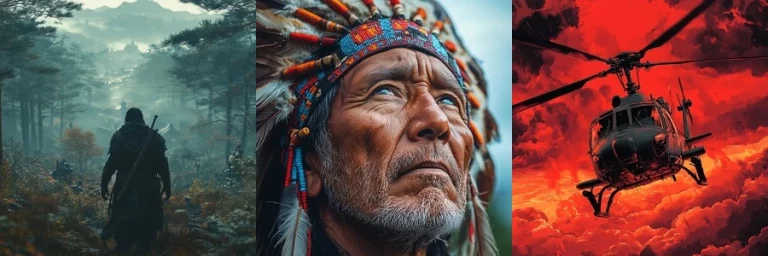
Midjourney earns the title for the AI image generator with the most aesthetic results.
Advantages of Midjourney:
- Consistently Produces Stunning AI Images
- A Supportive Community for inspiration and ideas.
Disadvantages of Midjourney:
- Generated Images Are Public by default.
- Free Trials Are Currently Unavailable.
Midjourney consistently yields my favorite results among the image generators featured here. The images it produces appear more coherent, showcasing enhanced textures and colors, resulting in visuals that are far more intriguing and aesthetically pleasing. Notably, its depictions of people and real-world objects appear more lifelike compared to those generated by other AI tools, especially without excessive prompting. It’s significant that Midjourney was the first AI image generator to win an art competition.
Fortunately, Midjourney now offers a dedicated web app, eliminating the need for Discord access—though that option remains available. Some of its advanced capabilities—such as blending multiple images, maintaining details across different generations, and style matching—have yet to transition to the web app, but you can still utilize its excellent editing features and enjoy substantial control over your outputs.
However, Midjourney isn’t without its quirks: by default, every image you create is publicly shared on Midjourney’s Explore page and can be accessed through your profile. While this adds a sense of community, it means that anyone curious can view your creations, which may be less than ideal for business purposes.
If you find the setup a bit daunting, rest assured—Midjourney’s help documentation is comprehensive and guides you through the process of using both the web app and Discord, showing you how to manage various features, from model selection to upscaling and personalization tools. Once you grasp the available options, the potential results can be truly astounding.
Currently, Midjourney’s free trials are suspended due to high demand, although they occasionally reopen for limited periods. If you miss the window, the Basic Plan starts at $10 per month, providing about 3.3 hours of GPU time monthly, which equates to approximately 200 images. You also have the option to purchase additional GPU time, and the images you create can be used commercially.
Midjourney Pricing:
Starting at $10/month for the Basic Plan, allowing approximately 200 images per month and providing commercial usage rights.
The Top AI Image Generator for Text Accuracy: Ideogram
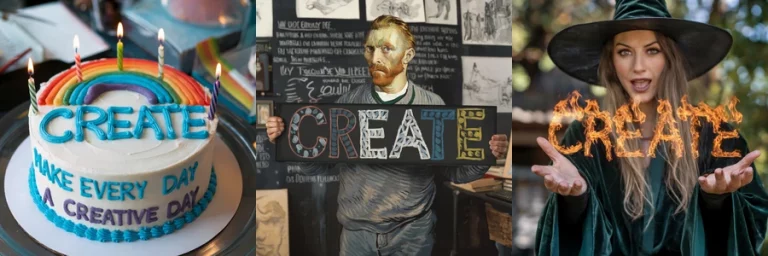
Ideogram is recognized as the best AI image generator for producing accurate text.
Advantages of Ideogram:
- Stunning AI-Generated Images with the highest text accuracy.
- Offers a Free Plan for initial users.
Disadvantages of Ideogram:
- Generated Images Are Public by default.
Most AI image generators struggle with rendering text correctly, but Ideogram has successfully addressed this challenge. Its latest 2.0 algorithm accurately incorporates text within generated images.
What’s even more impressive is that Ideogram ranks among the best image generators overall. It boasts an intuitive web app with useful features such as an image editor and the ability to use existing images as the basis for new creations. In my testing, the only application I consistently preferred was Midjourney, which is still a bit limited by its previous reliance on Discord.
Ideogram even has a free plan that provides 10 credits daily, albeit with a wait time for image generation and limited access to basic features. Nevertheless, it serves as an excellent introduction to one of the leading AI image generators available.
Ideogram Pricing:
Offers a limited free plan; from $8/month for full-resolution downloads and 400 monthly priority credits.
The AI Image Generator for Customization and Control: Stable Diffusion
DreamStudio by Stable Diffusion is recognized as the best AI image generator for customization and control.
Advantages of Stable Diffusion:
- Widely Accessible Across Various Platforms
- Cost-Effective, Customizable, and Extremely Powerful, delivering generally impressive results.
Disadvantages of Stable Diffusion:
- The Company Behind It Is Facing Challenges
- No Single Simple Way to Use It.
In contrast to DALL·E and Midjourney, Stable Diffusion is open-source. This means that anyone with the necessary technical expertise can download and run it locally on their device. Additionally, it allows for training and fine-tuning of the model for specific applications. Over the past couple of years, most services utilizing AI for creating artistic portraits, architectural renders, and other applications have relied on Stable Diffusion in this manner.
However, the open-source nature has led to some disarray. The organization behind it, Stability.ai, is currently struggling, facing criticism for its recent model and licensing agreements, and many members of the research team have left to establish a new entity.
This situation places Stable Diffusion in a precarious position. Existing versions remain among the best available, and numerous fine-tuned versions enhance its capabilities for specific tasks, making it immensely popular—but the future remains uncertain.
The most reliable way to access Stable Diffusion is through image generation tools such as NightCafe, Tensor.Art, or Civitai, although various other applications also offer access. Many of these platforms provide free credits to try them out before making a purchase. A cautionary note: some of these services may lack the content moderation typical of larger social platforms, leading to some unexpected or inappropriate content.
If you prefer more control, you can also download Stable Diffusion and run it locally.
Stable Diffusion Pricing:
Varies by platform, but many offer free credits for initial use.
Note: You can also try out Stable Diffusion on Difcraft
The Best AI Image Generator for Integrating AI-Generated Images into Photos: Adobe Firefly
Adobe Firefly is recognized as the leading AI image generator for seamlessly integrating generated images into photographs.
Advantages of Adobe Firefly:
- Excellent Integration with Adobe Applications, particularly Photoshop.
- Powerful Matching Capabilities for images.
Disadvantages of Adobe Firefly:
- Less Effective as a Pure Text-to-Image Generator.
Adobe has been integrating AI tools into its applications for over 15 years, so it’s not surprising that it offers a robust text-to-image generator—particularly in terms of its integration with other software. You can experiment with Firefly for free on the web or through Adobe Express, but its full potential shines within the latest version of Photoshop.
Firefly possesses several innovative features. In addition to generating new images from detailed prompts, it can create text effects based on prompts (for example, rendering the word “TOAST” with letters appearing as if they’re made from toast), recolor vector graphics, or introduce AI-generated elements into your photos. You can test all these capabilities via the web app, but its standout feature is its ability to merge AI-generated content seamlessly into existing images.
When evaluated purely as a text-to-image generator, Firefly’s results can vary. For certain prompts, it can rival or exceed DALL·E and Midjourney; for others, its outcomes can be puzzling. However, its integration with Photoshop is truly groundbreaking.
Two standout features are Generative Fill and Generative Expand. With Generative Fill, you select an area of your image using Photoshop’s standard tools, then by simply clicking a button and typing a prompt, you can replace that area with something entirely different. With Generative Expand, you can extend the canvas of your image. Notably, both features understand the context of the original image. In the accompanying screenshot, you can observe that Photoshop has replicated the depth-of-field blur for the added forest area using Generative Fill, resulting in a cohesive look.
While DALL·E and Stable Diffusion have initiated the dialogue around image-generating AIs, Adobe Firefly represents a significant advancement in AI photo generation, indicating what the future holds. It’s not merely a novelty; it’s a practical tool for the millions of professionals who rely on Adobe applications daily.
Adobe Firefly Pricing:
Free for 25 credits per month; starting at $4.99 for 100 credits monthly; Photoshop is available from $19.99/month as part of the Creative Cloud Photography Plan, which includes 500 generative credits.
Tutorials and Guides for AI Image Generators:
The Future of AI Image Generators
The field of AI image generation is rapidly evolving, with new, more powerful models emerging each time I update this article. It’s astonishing how adept text-to-image models like Midjourney, Ideogram, and FLUX.1 are becoming at consistently rendering complex concepts. Although they remain somewhat niche tools for now, their ongoing improvement at this pace could lead to significant changes in the landscape.